



Why Most Businesses Underestimate Office Move Complexity (and How to Avoid It)
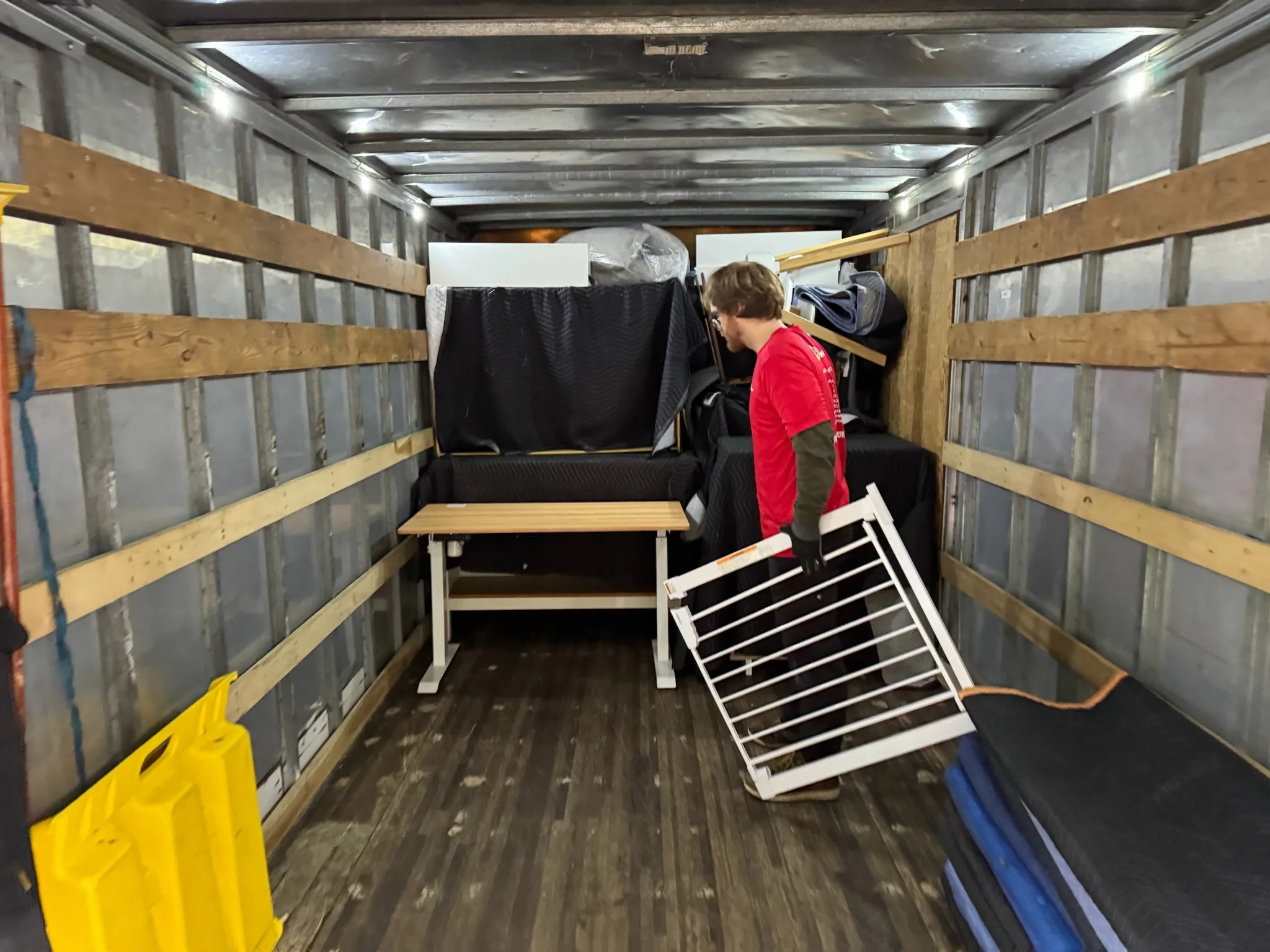
Most office moves look manageable at first. A new space is secured, a moving date is chosen, and the focus immediately shifts to the tangible things: packing furniture, computers, and files. But what many businesses fail to see is that a commercial relocation is an operational project, not just a moving project. The real complexity isn’t in the desks or the boxes. It’s in everything connected to how your business functions every single day.
This oversight is why so many office moves lead to unexpected downtime, communication failures, workflow disruption, and internal stress, even when the physical move itself goes smoothly. Understanding these hidden layers from the beginning is what prevents major problems later.
The Hidden Risks in a Commercial Move
Most companies plan for the physical inventory first: the furniture, the boxes, the equipment, and the new layout. While important, the greatest risks to your business continuity usually come from less visible areas. The physical move is rarely the hardest part; maintaining operational stability is. These are the areas where complications most often arise:
- Technology and telecom dependencies
- Vendor and third-party coordination
- Disruption to employee workflow
- Building access and compliance requirements
- Breakdowns in internal communication
1. Telecom and Internet Coordination Is Deceptively Difficult
Many business leaders assume their internet and phone services can simply be “transferred” to the new location. In reality, this is one of the most common and disruptive failure points. A new office without connectivity is not operational.
The installation timeline for new business-grade internet can take weeks, or even months, especially if new fiber needs to be run. Your new building might have different infrastructure, service providers may require multiple site visits, and activation dates can easily misalign with your move-in date.
What to Do:
- Contact your telecom and internet providers the moment you sign the new lease.
- Get all installation timelines and activation dates confirmed in writing.
- Schedule a service overlap if possible, keeping the old service active for a few days after the move as a backup.
- Test all network connectivity thoroughly before employees are scheduled to arrive.
2. Employee Workflow Gets Disrupted Instantly
Even small changes to an office layout or workstation setup can have a significant impact on productivity. Your team loses valuable time and focus when they arrive at a new space that isn’t ready for them to work.
Productivity suffers when employees find their workstations are not fully set up, essential equipment is missing, or departments are separated in a way that hinders collaboration. The transition period becomes longer and more frustrating when familiar processes are suddenly unclear.
What to Do:
- Finalize the workspace layout and department seating plan long before moving day.
- Clearly communicate all changes to the team in advance.
- Make restoring critical workflows the number one priority after the physical move is complete.
The faster your team can return to their normal routines, the sooner your business returns to full productivity.
3. Sensitive Files and Data Create Security Risks
In the rush to move equipment, information security can become an afterthought. This creates significant risks, especially for businesses in the legal, medical, or financial sectors that handle confidential client or patient information.
Common security risks during a move include misplaced documents containing sensitive information, unsecured file boxes left in open areas, improper transport of critical records, and insecure handling of servers and hard drives.
What to Do:
- Isolate all sensitive materials from general office items before packing begins.
- Assign a specific person or team to be responsible for the chain of custody of confidential records.
- Ensure all digital data is securely backed up to the cloud or an offsite server before any equipment is moved.
- Limit access to areas where confidential information is being packed or staged.
4. Vendor Coordination Is Frequently Overlooked
A typical office move involves a chain of outside parties: internet providers, IT vendors, security system installers, furniture assemblers, and building management. Problems erupt when the schedules of these different vendors do not align perfectly.
For example, your IT vendor can’t set up the network until the furniture is assembled, and the security system can’t be activated until the internet is live. A delay with one vendor can trigger a cascade of problems down the line, pushing your entire project off schedule.
What to Do:
- Create a single, centralized timeline that includes every vendor and their key deadlines.
- Confirm dates with all vendors repeatedly as moving day approaches.
- Identify dependencies in advance; know which tasks must be completed before others can begin.
- Avoid scheduling critical installations, like internet activation, for the last minute.
Insight from Our Team:
“Most businesses call us thinking they need movers. By the time we finish the first planning call, they realize they needed a coordinator. The physical move is maybe thirty percent of the project. The other seventy percent is timing, vendor sequencing, building access, and keeping the business from going dark in between. When a client comes in having already mapped those dependencies out, the whole job runs cleaner, and they’re back up and running the same day.”
Chris Ortiz – Moving Logistics Coordinator
5. Building Rules Add Unseen Constraints
Every commercial building has its own set of rules for moving, and these regulations can severely restrict your timeline if not addressed early. Ignoring these rules can lead to fines or even a complete shutdown of your move on the scheduled day.
Common requirements include:
- Limited access to freight elevators, often restricted to specific hours.
- Designated move-in and move-out windows (e.g., weekends or after 5 PM only).
- Submission of detailed insurance documentation (Certificate of Insurance) from your movers.
- Advance scheduling for use of loading docks.
What to Do:
- Obtain a copy of the building’s moving requirements from both your current and new property managers as early as possible.
- Reserve elevators and loading zones well in advance.
- Build buffer time into your schedule to account for these potential constraints.
6. The Post-Move Setup Takes Longer Than Expected
Getting all your furniture and boxes into the new office is only the beginning. Achieving true operational readiness is a separate, time-consuming phase that many businesses underestimate.
Being “moved in” is not the same as being “operational.” Real readiness requires:
- Complete workstation and computer setup for every employee.
- Professional cable management to create a safe and clean environment.
- Thorough network and systems testing.
- Functionality checks for shared systems like printers and conference room AV.
What to Do:
- If possible, schedule your physical move on one day and designate the following day for setup and testing.
- Prioritize getting critical departments, like sales or customer service, operational first.
Conclusion
The success of an office move isn’t measured by how quickly the furniture arrives. It’s measured by how smoothly your business continues operating during and after the transition. When you shift your focus from simply transporting items to maintaining business continuity, the entire process becomes more manageable. By anticipating these hidden complexities, you can avoid costly disruptions and keep your relocation on track.
Need Help Planning a Complex Office Move?
If you’re preparing for an office relocation in Seattle, Tacoma, or Kitsap County, Suseyi Pro Moving can help ensure every detail is planned properly from start to finish. Our commercial move coordinators focus on minimizing downtime, maintaining operational continuity, and helping your business stay productive throughout the transition. Reach out today to build a move strategy that protects both your workflow and your bottom line.




Get a Quick Quote
Ready to schedule your move? Fill out this form to get a quick moving quote:
Moving Resources
Moving to Bremerton, WA
Local Move Costs in Kitsap County
Moving to Silverdale: A Local Guide to Central Kitsap
Full-Service Movers vs. PODS vs. Rental Truck
Moving to Bainbridge Island: A Local Guide
Moving to Gig Harbor, WA: A Local Relocation Guide
How Much Should You Save Before an Out-of-State Move?
How to Handle Parking and Access on Moving Day (Without Getting Towed)
The Professional’s Guide to Packing Fragile Items for a Safe Move
The Packing Order That Prevents Unpacking Chaos
Pro Moving Services
Serving Western Washington Local Moves
- Kitsap County
- Allyn
- Bainbridge Island
- Belfair
- Bremerton
- Brownsville
- Edmonds
- Gig Harbor
- Gorst
- Grapeview
- Hansville
- Holly
- Indianola
- Keyport
- Kingston
- Port Angeles
- Port Gamble
- Port Ludlow
- Port Orchard
- Port Townsend
- Poulsbo
- Seabeck
- Shelton
- Silverdale
- Southworth
- Sequim
- Suquamish
- Tacoma
- Tracyton
- Union
- Seattle







&media=https://kitsapmovers.com/wp-content/uploads/2026/03/IMG_8664-1024x768.webp)